I dont really get it. Of course an old cable will only support the standard that was around when it was produced. So if you have a port that supports a higher bandwidth than the cable then obviously the throughput will drop down to the level of the cable.
As long as its downwards compatible i dont see the problem. You can plug your old USBC cable into your brand new laptop and it will work just fine as it always has. Do these people just expect magic?
That’s not the problem. Lack of labels is. You need to have a cable tester to figure out which one of your many C-C cables is best for a particular purpose.
That is a solution. Haven’t really seen any comprehensive labels that would clearly indicate all the capabilities of the cable. Maybe there’s a thunderbolt logo, maybe 100W is written on it? If you’re lucky. Definitely can’t have both at the same time though. I guess that leaves me with approximately zero cables I’ll be buying in the future.
Have a look at this for instance. If a charger manufacturer can’t be bothered to put any useful labels on the cables, what do you think anyone else will do?
It’s a 60 W cable, so how about you write 60 W on it, so that the people who bought your 100 W charger won’t be disappointed? Too much effort, I guess.
Anyone ever worked with network cables. Those people would kill for magically upgradeable cables. Thats why we have fiber cables where the sky is the limit.


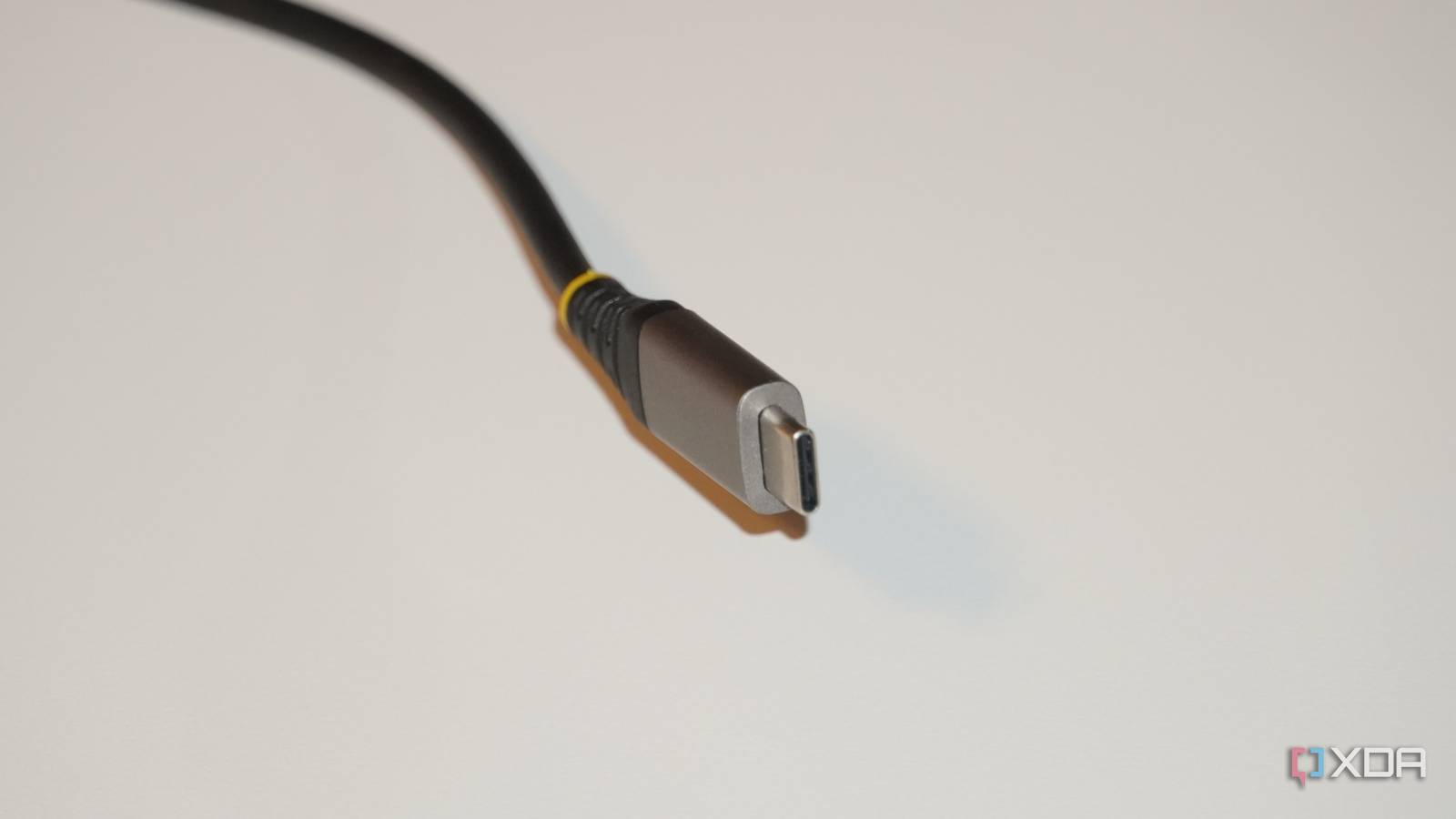
I dont really get it. Of course an old cable will only support the standard that was around when it was produced. So if you have a port that supports a higher bandwidth than the cable then obviously the throughput will drop down to the level of the cable.
As long as its downwards compatible i dont see the problem. You can plug your old USBC cable into your brand new laptop and it will work just fine as it always has. Do these people just expect magic?
That’s not the problem. Lack of labels is. You need to have a cable tester to figure out which one of your many C-C cables is best for a particular purpose.
maybe stop buying cables that don’t have a label on them?
That is a solution. Haven’t really seen any comprehensive labels that would clearly indicate all the capabilities of the cable. Maybe there’s a thunderbolt logo, maybe 100W is written on it? If you’re lucky. Definitely can’t have both at the same time though. I guess that leaves me with approximately zero cables I’ll be buying in the future.
Have a look at this for instance. If a charger manufacturer can’t be bothered to put any useful labels on the cables, what do you think anyone else will do?
It’s a 60 W cable, so how about you write 60 W on it, so that the people who bought your 100 W charger won’t be disappointed? Too much effort, I guess.
Yeah this whole article is a nothing burger.
“Alert!! Ur cables wont magically upgrade themselves!!”
Anyone ever worked with network cables. Those people would kill for magically upgradeable cables. Thats why we have fiber cables where the sky is the limit.
“What do you mean I need to upgrade my runs to get faster network speeds?!”
HDMI 1.0 can’t do 4K120Hz whhaaaatt?
What do you mean I can’t do 8k over VGA?