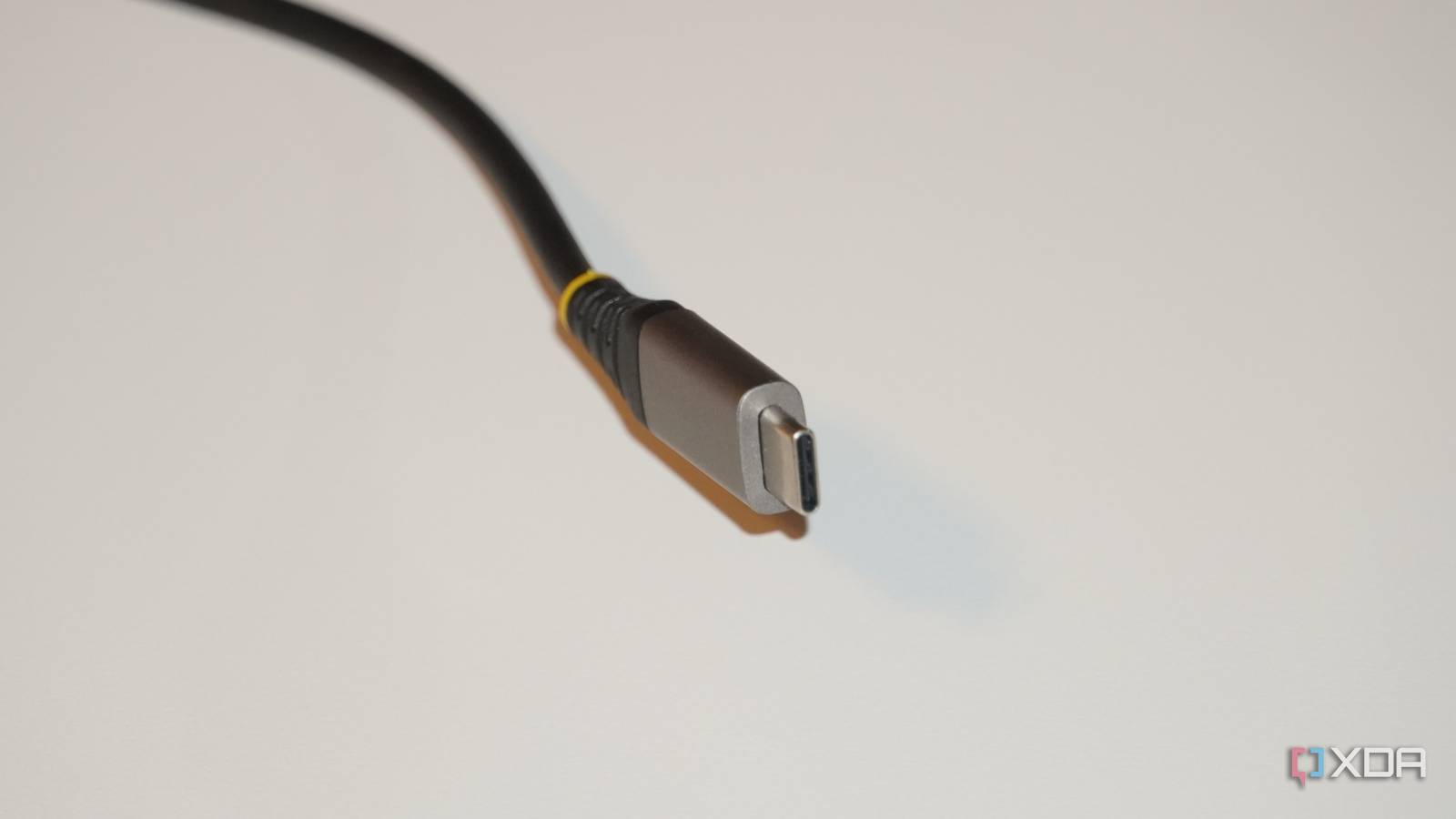
The real failure is that the USB standard didn’t require clear and consistent markings for all cables and ports from the very beginning. You should be able to look at your cable or device and know exactly what it will support.
Yea too many people buying something with a usbc and expect it to just work. Sorry that expensive USBC screen is not supported by your 5 year old laptop. You can either take it back or get a new laptop.
Some people still insist that I just didn’t find the right driver.
i sincerely do not believe people who complain about this are fucking real, i have NEVER met a single person in real life who has ever had any struggle with USB beyond identifying the connector (which, you know, isn’t a problem now that USB C is mandatory).
Can’t we, please, have just a fast com port with 5V? Everything else should be made programmatically, without touching the hardware. A cable should be just a cable. A few wires, nothing more.
The article kinda addresses that:
“In order to hit 80Gbps, passive cables (which are the cheap ones) are strictly limited to roughly 0.8 to 1m in length. That means if you need a 2m cable for your desk setup, you must buy a certified active USB 4 80Gbps cable, which contains a tiny signal boosting chip.”
This is funny to me because so many people wanted USB-C to be a government mandated, gun pointed to your head standard, and they couldn’t see how now we are stuck with USB-C being the default connector. That never meant you automatically get new protocols running over that wire. You still have to buy new cables.
The main motivation behind that is charging, not data transfer. USB-PD has been stable and backwards compatible
You can charge all you want, but when you’re trying to thunderbolt your laptops display to three 4K monitors and grab your USB 2.0 charging cable to do that with, now you might have some bandwidth issues.
And honestly, even attempting to charge your laptop with a shit tier cable probably won’t charge your laptop.
Yeah but no one is forcing you to use thunderbolt for displays, I still don’t get your point that forcing adoption of USB-C for charging locks you into the mess that is the rest of the USB standards
Its going to cause issues when you grab a random USB-C cable out of your USB-C cable box and try to use a low bandwidth cable that has USB-C connectors when you need a high bandwidth cable that has USB-C connectors.
I don’t get how thats hard to understand.
Because you’re arguing across purposes.
For most cabling standards thusfar in history, the physical connectors indicated the purpose and capabilities of the cable. This has a 9-pin DIN, it’s an RS-232 serial cable. This has RJ-45s it’s at least a 100BASE-T networking cable. This is HDMI, suitable for attaching a DVD player to a television.
USB has spent the last 30 years fucking that up by trying to make one cable to rule them all…except they’ve made like eight different connector standards, A, B, mini-A, mini-B, micro-A, micro-B, 3B and C. We’ve arrived into a world where we’re allegedly standardizing on the USB-C plug and socket, but it has become damn near impossible to tell by examining the plug, socket or cable what capacities it actually has. A USB 3.1 cable can be outwardly physically identical to a USB4 cable. And they make USB 2.0 cables with A-C or C-C plugs, every smart phone comes with one in the box. None of the high speed data lines are rigged up, only the power and old USB2.0 lines are, so it will transfer data, just very slow.
Now, why do they do that? Because some people actually don’t want the data lines. Because a USB 3.1 and later USB-C cable has like 19 conductors in it. that makes the cable thick and stiff. And if ya basic, all you do is charge thay phone, eat hot chip and lie, a high speed capable cable is difficult to run from the socket behind your headboard up the back of your night stand to the back of your wireless charger, it’s so heavy and stiff that it might pull the empty charger off the table, like an HDMI cord does to a Roku. If ya basic, you don’t care about data transfer speeds because you never transfer data via cable, your phone is a Tiktok and doordash machine. So why would you pay $30 for a single cable that sucks to use?
If instead you’re the kind of umm actually jackass nerd that has a Lemmy account and opinions about systemd, you’ve got two Raspberry Pis on your desk next to the cable your new phone came with, and your phone is plugged into the PC you built with a USB 3.2 rated cable you bought from Cable Matters and then labelled as such with a Brother P-Touch label maker. /autobiography
You don’t know the purpose of a USB-C cable because they all look the same.
Tell me, what is this cable capable of?

-
there are two cables there.
-
Judging by the thickness of the cable, they’re USB 2.0 cables intended mainly for charging. A USB 3.x cable is going to be about as thick as the plug body. You vs. the guy she told you not to worry about:

- Yes, everyone who makes decisions for the USB Consortium regarding naming, labeling and iconography deserves to be spayed or neutered with a deadblow mallet.
-
I dont get it, what am I missing if I use USB-C? What is there waiting on the sides that cant use that hardware?
The devices are outgrowing the capabilities of the cables. Doesn’t matter if the connector fits or not.
I guess I could search for it myself, but do you have a specific example?
Sure, but if I don’t need any of the new protocols I can keep using the same chargers, cables, dongles, etc
You will have issues in the future and youll pull your hair out trying to figure out why its not working.
The only issue is the USB forum not properly labelling their standards. They cause the confusion themselves. People can understand “this cable will do 40gbps and this one will do 80gbps”, it just has to be obviously pointed out on the cable.
It is a huge issue indeed, and we are living that issue for decades to come.
you are really bloody insistent on bashing on USB for some reason, weird
I dont really get it. Of course an old cable will only support the standard that was around when it was produced. So if you have a port that supports a higher bandwidth than the cable then obviously the throughput will drop down to the level of the cable.
As long as its downwards compatible i dont see the problem. You can plug your old USBC cable into your brand new laptop and it will work just fine as it always has. Do these people just expect magic?
That’s not the problem. Lack of labels is. You need to have a cable tester to figure out which one of your many C-C cables is best for a particular purpose.
maybe stop buying cables that don’t have a label on them?
That is a solution. Haven’t really seen any comprehensive labels that would clearly indicate all the capabilities of the cable. Maybe there’s a thunderbolt logo, maybe 100W is written on it? If you’re lucky. Definitely can’t have both at the same time though. I guess that leaves me with approximately zero cables I’ll be buying in the future.
Have a look at this for instance. If a charger manufacturer can’t be bothered to put any useful labels on the cables, what do you think anyone else will do?
It’s a 60 W cable, so how about you write 60 W on it, so that the people who bought your 100 W charger won’t be disappointed? Too much effort, I guess.
Yeah this whole article is a nothing burger.
“Alert!! Ur cables wont magically upgrade themselves!!”
Anyone ever worked with network cables. Those people would kill for magically upgradeable cables. Thats why we have fiber cables where the sky is the limit.
“What do you mean I need to upgrade my runs to get faster network speeds?!”
HDMI 1.0 can’t do 4K120Hz whhaaaatt?
What do you mean I can’t do 8k over VGA?