The video was edited in Kdenlive. The pixelation was done with the motion tracker filter: I usually slice the parts of the videos where I need to obscure things - in this case the entire video - in 10-second slices, then run the motion tracker in each 10-second segment. I do that because it tends to loose track after a while, so I manually set it back on target at the beginning of each segment.
Also, while this is an equirectangular 360° video, in this case, I could pixelate my face directly in the video without doing a equirectangular-to-rectilinear then rectilinear-to-equirectangular transforms before and after the pixelation, which makes rendering a lot faster. With the 360° transforms, it’s dog-slow. But my face is usually close to the vertical center of the image, near 0° pitch, because I tend to shoot my videos at eye level, so there isn’t too much distortion to worry about.


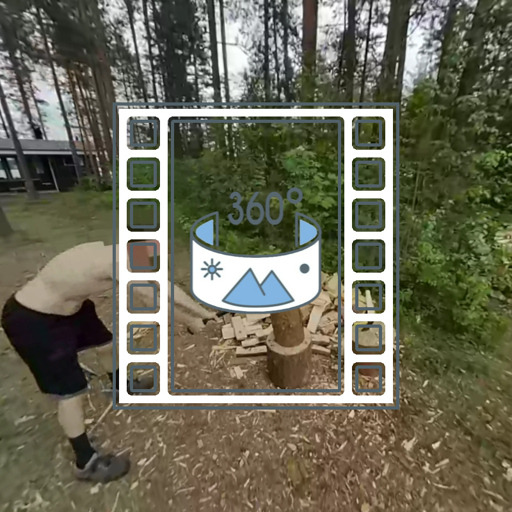
Chop chop!
How was the video edited? The blurring is following the head so smoothly. Good job on that
The video was edited in Kdenlive. The pixelation was done with the motion tracker filter: I usually slice the parts of the videos where I need to obscure things - in this case the entire video - in 10-second slices, then run the motion tracker in each 10-second segment. I do that because it tends to loose track after a while, so I manually set it back on target at the beginning of each segment.
Also, while this is an equirectangular 360° video, in this case, I could pixelate my face directly in the video without doing a equirectangular-to-rectilinear then rectilinear-to-equirectangular transforms before and after the pixelation, which makes rendering a lot faster. With the 360° transforms, it’s dog-slow. But my face is usually close to the vertical center of the image, near 0° pitch, because I tend to shoot my videos at eye level, so there isn’t too much distortion to worry about.